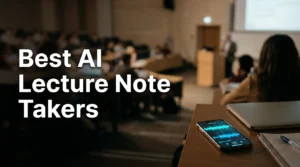
You are in a rapid lecture. The slide will rotate before you can write it down, and you must decide between listening and typing. With an AI lecture note taker, that’s eliminated—it records the class, types out what was said, and turns it into a set of notes you can use to study from.
This guide provides a comparison of five options that are suitable for students, what they’re actually allowed, and how to choose which one to use. The prices and limits were verified with published pricing information in November 2026. Not a hands-on lab test—compare features and limits before subscribing to the free plan.
What Is an AI Lecture Note Taker?
An AI lecture note taker is an app that can record a lecture, be it live or recorded, and produce a written lecture. Most then serve as an AI lecture summarizer as well: they convert the transcript into headings, key points, and definitions.
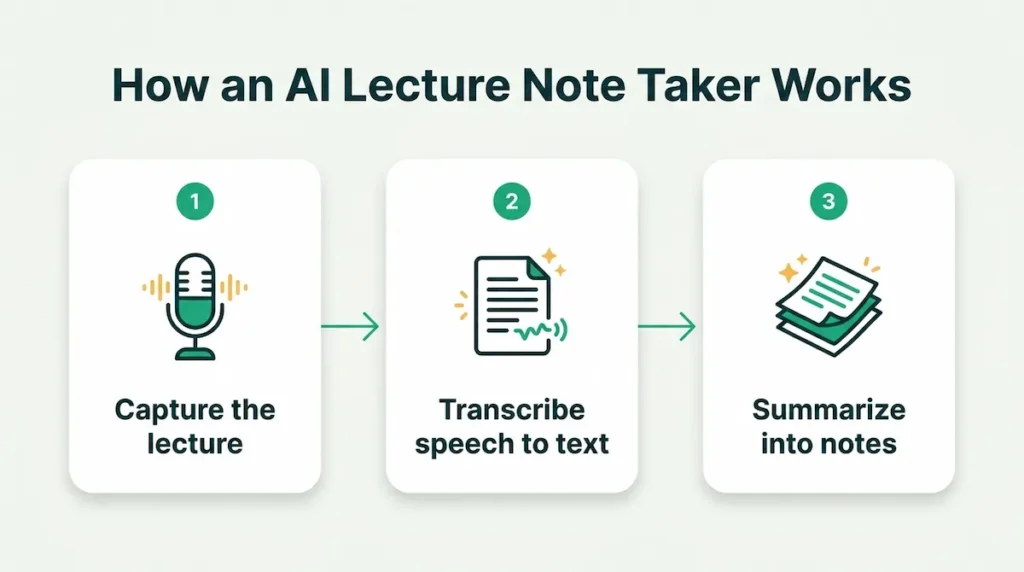
There are three steps to the process:
- Capture: The app captures audio or video from your phone or laptop camera, or you upload an audio or video file.
- Transcribe: Speech recognition converts speech to text.
- Summarize: A language model converts that text into “notes” and sometimes even into flashcards or quiz questions.
The general AI note-taking apps were created for business meetings. A lecture is not the same. Longer, single-speaker, and contain words that may not be recognized by the software. Hence, “lecture-to-notes” AI tools for students have become a category all to themselves.
Best AI Note Takers for Students: Quick Comparison
If you want an AI note taker for lectures and only have a minute, start with this table.
| Tool | Best For | Free Plan |
|---|---|---|
| Gemini Notebook | Free notes from uploaded recordings | 100 notebooks, 50 sources each |
| Otter | Live transcription in class | 300 minutes a month, 30 minutes per recording |
| Turbo AI | Turning lectures into quizzes | Yes, limits not published |
| Coconote | Phone-first recording | Free to start, limits not published |
| Genio Notes | Audio synced with your own notes | 30-day trial |
The 5 AI Lecture Note Takers
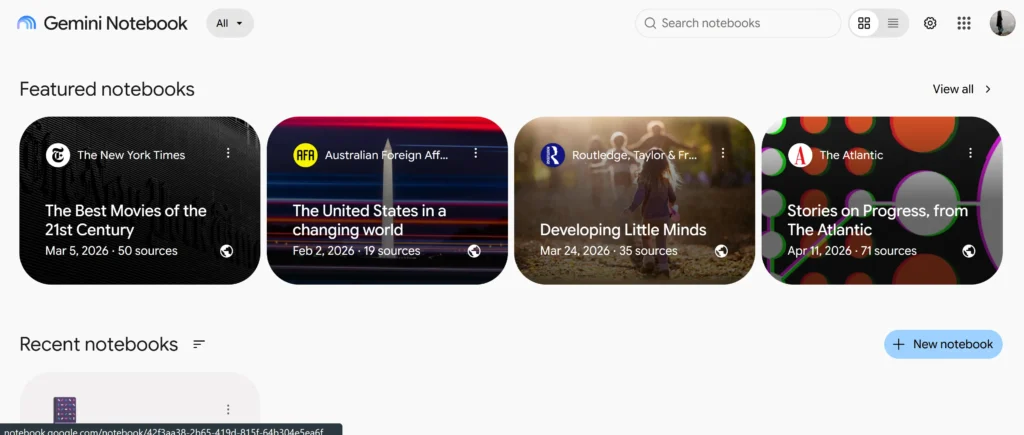
Gemini Notebook: best free option
Google’s free study tool is called Gemini Notebook. You upload your sources (e.g., a recording of a lecture, slides, or a PDF), and it will respond to questions based solely on those sources. It can also create summaries as well as flashcards, quizzes, and an audio overview.
- Free plan: up to 100 notebooks with 50 sources in each. Audio files can be up to 200 MB.
- Good for: students who already record lectures on their phone and want notes afterward at no cost.
- Watch out for: it works from files you upload, so it is not a live transcription tool. You also need a Google account.
A quick and easy solution is to use the voice recorder on your cell phone to record what you are saying and upload it to a notebook for that course.
Otter AI for students: best for live transcription
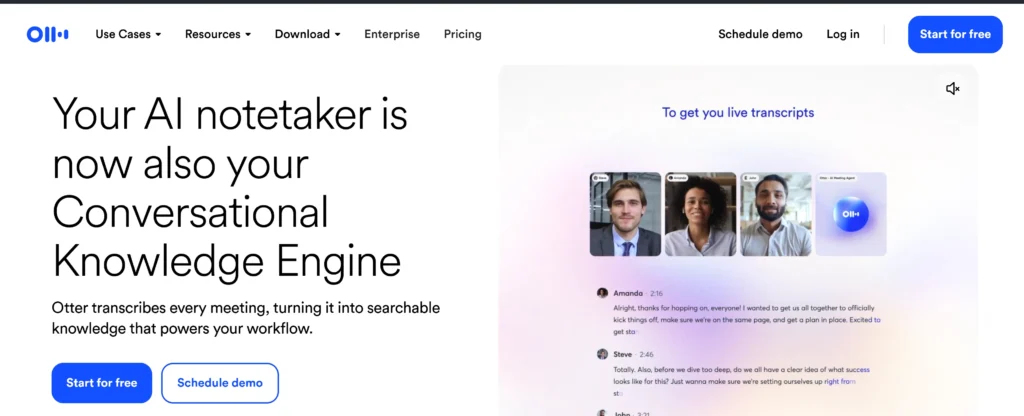
Otter is an artificial intelligence-powered lecture recorder that displays the words that the speaker is saying on the screen. That helps if you are looking to follow along with the reading or refer back to it later.
- Free plan: 300 transcription minutes a month, with a limit of 30 minutes per recording and 3 file imports in total.
- Paid plan: Pro costs $16.99 a month, or $8.33 a month billed yearly, with 1,200 minutes and 90 minutes per recording. A 20% student discount is reported for Pro.
- Good for: live captions, and students who also attend online classes.
- Watch out for: the 30-minute limit. Most lectures run 50 minutes or longer, so the free plan stops before the class ends.
Turbo AI (formerly TurboLearn AI): best for quizzes
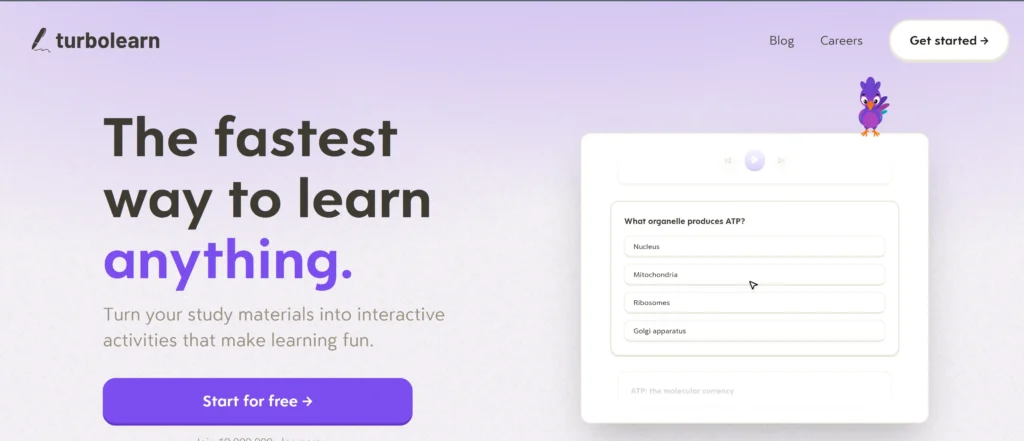
Turbo AI records lectures or uploads PDFs or a link to a video and generates notes, flashcards and quizzes. One of the most searched student note tools.
- Free plan: includes notes, flashcards and quizzes. The company does not publish exact limits. Reviewers report about two hours of lecture recording a month.
- Paid plan: there is no public pricing page. App Store listings show roughly $14.99 to $19.99 a month.
- Good for: students who revise with practice questions.
- Watch out for: unclear limits. Check the price inside the app before subscribing.
Coconote: best phone-first AI note taker app
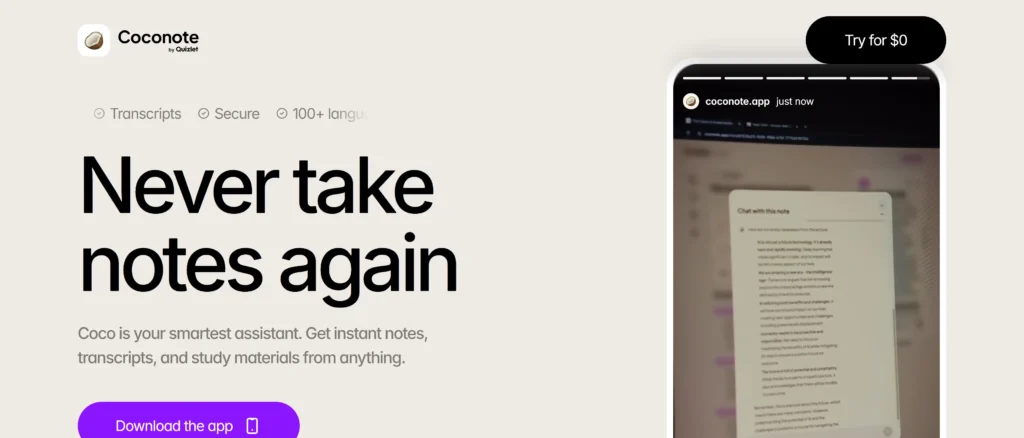
Coconote is a mobile note-taking app powered by AI. It records a lecture and makes notes, a study guide, flashcards, and quizzes, and it works in over 100 languages.
- Free plan: free to download and start. Limits are not published.
- Paid plan: sold as in-app purchases, with prices that vary by plan length and country.
- Good for: students who study mostly on a phone and multilingual classes.
- Watch out for: pricing is hard to compare before you install the app.
Genio Notes (formerly Glean): best for active note-taking
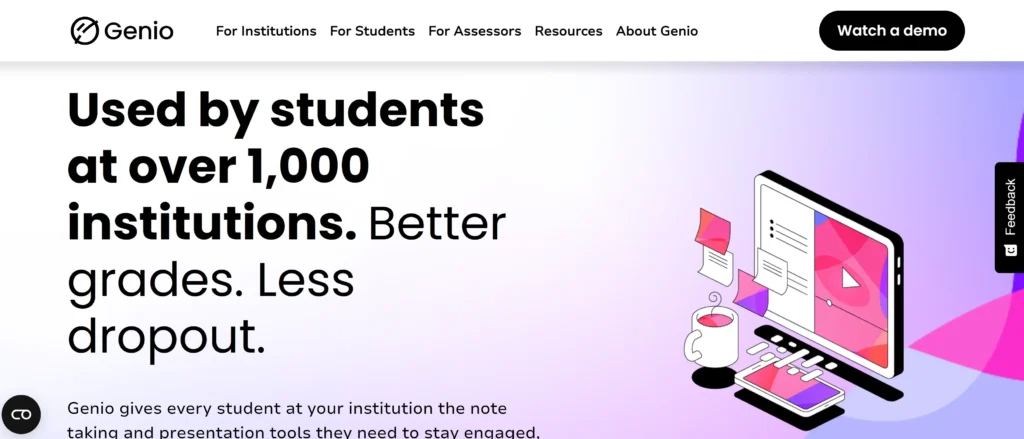
Genio Notes takes a different approach. It records the lecture while you add short notes and tags, then links your notes to the exact moment in the audio and to the slides.
- Free plan: a 30-day trial with no payment details needed.
- Paid plan: about £12 a month for individuals.
- Good for: students who learn better by taking part and students with note-taking accommodations. Many universities give it to eligible students for free through accessibility services, so ask before you pay.
- Watch out for: it expects you to stay active in class. It will not hand you finished notes.
Is There a Free AI Lecture Note Taker?
Yes, but “free” means different things. Before you use a free plan for a full semester, check these three things:
- Minutes per recording: The 30-minute limit (like on Otter’s free plan) will not cover a full lecture. Some are free with a limited recording time of a few minutes, so they’re more like a demo.
- Minutes or files per month: Count your weekly lecture hours and compare.
- Access to old notes: Some apps hide older recordings on the free plan.
The phone voice recorder and Gemini Notebook are the best free options for most students on a zero budget.
How to Choose the Best AI Lecture Note Taker for You
Match the tool to how you study:
- You want an AI note taker for class with live text: choose Otter.
- You already have recordings and want free notes: choose Gemini Notebook.
- You revise with flashcards and quizzes: choose Turbo AI or Coconote.
- You lose focus when you stop writing: choose Genio Notes.
Then test it. Take one real lecture and compare the notes with what you recall of the lecture before believing.
Check Before You Record a Lecture
The rules governing the recording vary at each university and in each country. When recording, before you press the record button:
- Read the University policy on recording lectures.
- Ask the lecturer for permission.
- Do not share or post recordings for others to profit from; keep for your own study.
Your accessibility office might be able to provide an accommodation for recording if you have a disability or if you have a learning difference.
How to Use AI Notes Without Learning Less
While AI notes can save time, it’s still important to read the summary and understand it.
Three habits help:
- Write a few words yourself during class: Write down what you didn’t understand so you can find it later.
- Check the notes for mistakes: Names, formulas, and technical terms can be mispronounced during transcription.
- Test yourself: Use the quiz or flashcard feature, or close the notes and explain the topic aloud.
For more study tools, see our guide to the best free AI tools for students and our explainer on AI in education. If your classes run online, read how Google Meet’s AI takes notes.
Frequently Asked Questions
This depends on your needs. If you upload recordings, Gemini Notebook is the top free option; for live transcription, Otter is the preferred choice; and if you need flashcards or quizzes, Turbo AI or Coconote are the top choices.
Yes. Otter, Turbo AI, and Coconote have free plans with limitations, while Gemini Notebook is free with a Google account. Each free plan has a per-recording limit, so be sure to check per recording first, as some free plans end before the end of a lecture.
Otter offers a free basic plan of 300 minutes per month and 30 minutes per recording. No student plan; a 20% student discount on Pro is reported.
Yes. Upload the audio or video file, and the tool transcribes the file and writes the notes. Gemini Notebook, Turbo AI, and Coconote all support uploading recordings.
It varies from country to country and university to university. Please refer to the official policy and consult with your lecturer first.
Final Thoughts
An AI lecture note taker will not learn the subject for you, but it can make sure you never miss what was said. Start with a free plan, test it on one real lecture, and keep the tool that fits how you study.